
Sync with QuickBooks without a hitch
Get the perfect CRM with Method’s powerful automation and top QuickBooks accounting software sync.
Want to see Method in action first? Take me there →
What makes our QuickBooks CRM unique?
When it comes to syncing with QuickBooks, we did it first — and we still do it better than other CRMs.

Industry-leading CRM
integration
Method:CRM is the #1 CRM platform on Intuit’s apps.com, with over 1,300 five-star reviews from QuickBooks users and ProAdvisors.

Two-way,
real-time sync
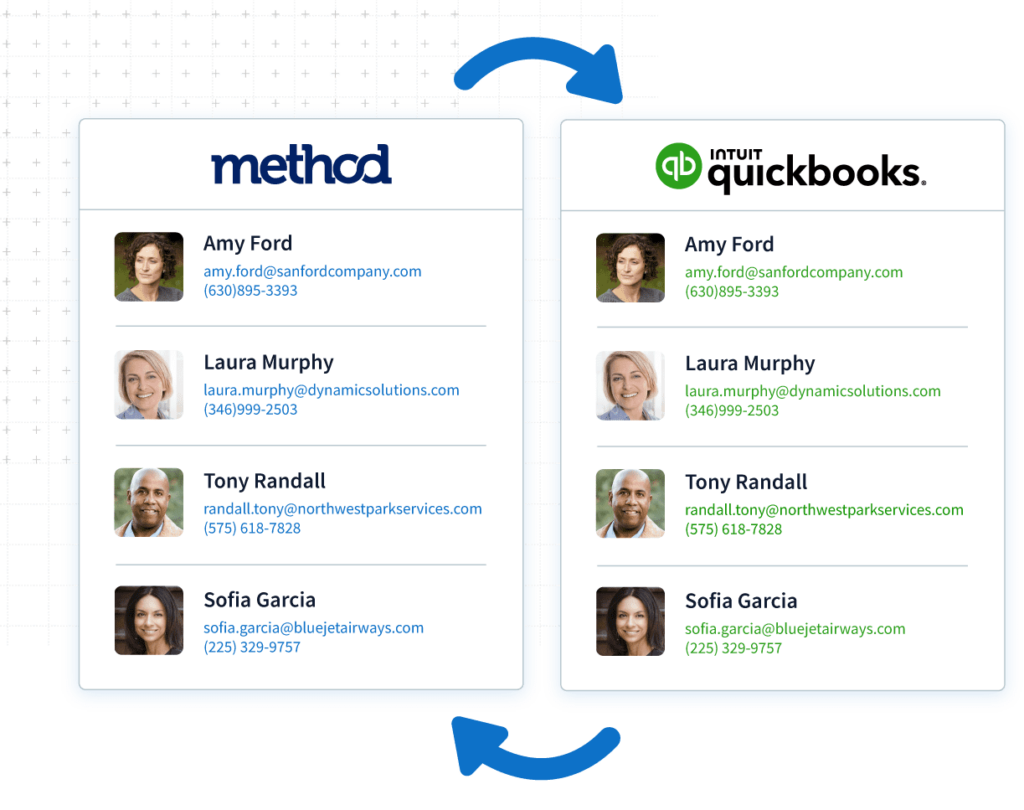
Our patented integration instantly syncs customers, invoices, payments, and more between Method:CRM and QuickBooks.

Works with all
versions of QuickBooks
Yes, even desktop versions! Method:CRM empowers you to run your business from anywhere, on any device.
Proven business benefits
Here’s why our customers are big fans of Method.
“With Method:CRM, my sales process is hyper-efficient. My customers have all the info they need to make a decision quickly, to the point that I now close 95% of my sales.”

John Mora
GTM Landscaping
“I am very impressed and pleased with Method. Since Method synchronizes with QuickBooks, all of my contacts and transaction data are accessible, which gives me the power to custom-build anything I need.”

Dylan Hanna
Gravity Software
“We use QuickBooks Enterprise and had a terrible time finding a sync that would be instantaneous. Method has streamlined just about every process in our business, from writing orders to sending POs and many other functions.”

Nick Robinson
FUJI Mats
How will a QuickBooks CRM help my business grow?
Method’s easy integration with QuickBooks simplifies your operations and helps you grow sales.
Easily manage your leads
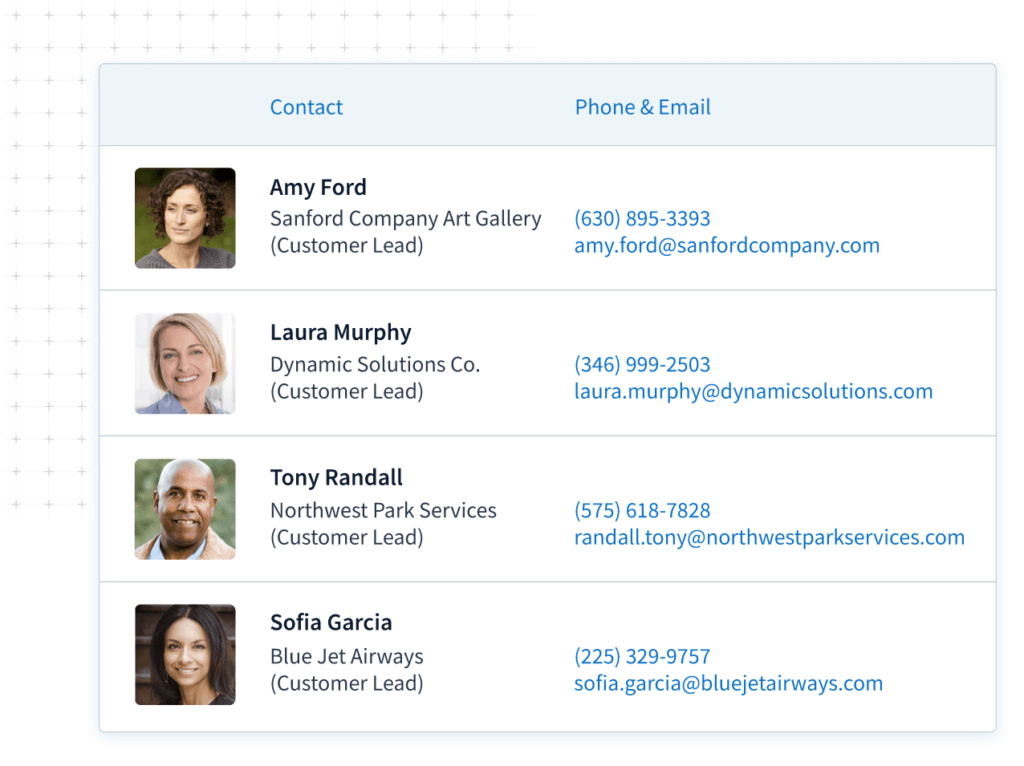
QuickBooks isn’t designed to manage potential sales, but Method:CRM is. Track every opportunity, create estimates, and convert leads to QuickBooks customers in one click.
Know every customer
Method’s two-way, real-time sync of customer information lets your small business develop stronger customer relationships.
With purchases, preferences, and interactions all in one place, you have the context you need to provide amazing customer service.
Offer online portals
Utilize Method to grow your business by upping your customer service and automation game.
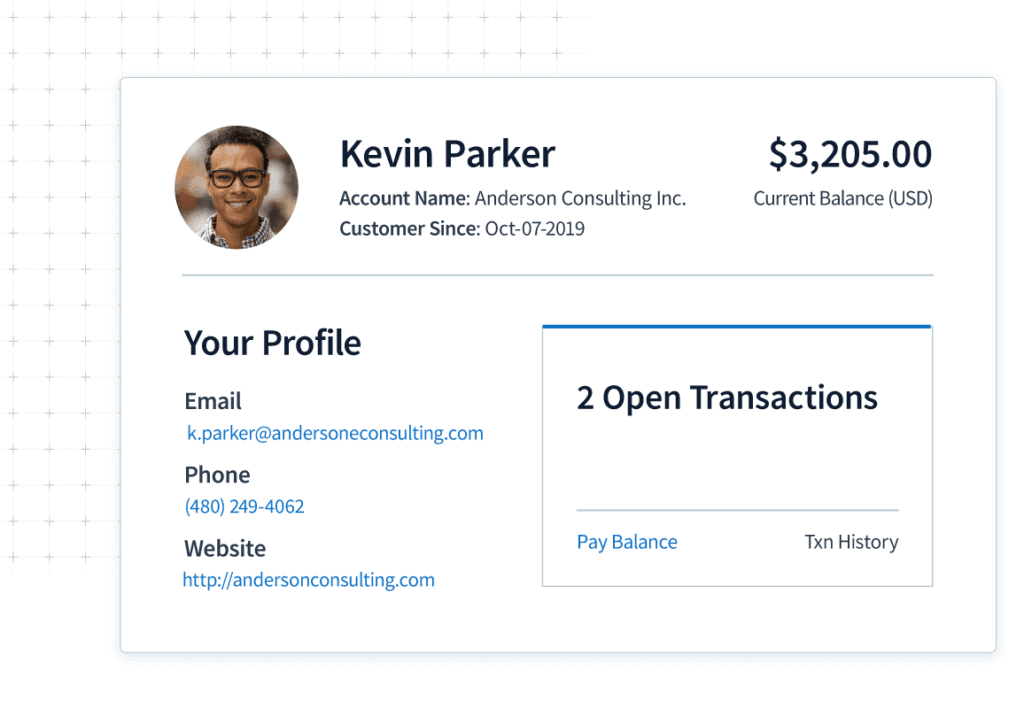
Give your customers 24/7 access to update information, view estimates, and pay invoices. Better yet, all details and payments sync instantly to QuickBooks.
Streamline workflows
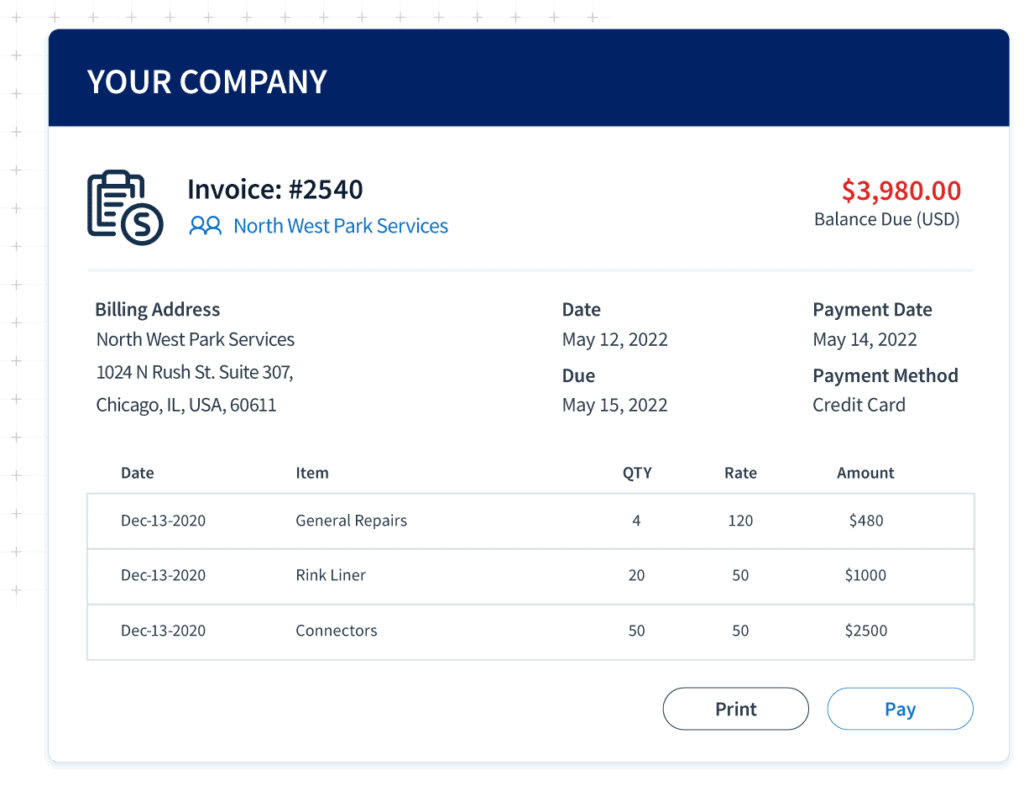
Create estimates, sales orders, invoices, templates, and more without logging into QuickBooks.
You can personalize Method to simplify other tasks such as e-signature capture, approvals, or sales commission tracking.
Not a QuickBooks user?
When you use Method:CRM to help you manage your sales, you can start tracking communication histories and effectively nurturing clients.
Method is designed to integrate with all versions of QuickBooks, which means it needs QuickBooks (or Xero) for you to fully leverage the software. If you’re not yet a QuickBooks customer, get started here.
QuickBooks CRM FAQs
Is QuickBooks a CRM?
The answer to “is QuickBooks a CRM?” is no. While it is often used in conjunction with third-party CRM solutions like Method, QuickBooks does not have built-in CRM functionalities. As a result, it falls short in managing customer relationships and interactions. At its core, QuickBooks focuses on accounting and financial tasks and is therefore not a CRM.
As QuickBooks doesn’t specialize in managing leads and sales pipelines, it might require an additional tool for CRM capabilities. The good news is that QuickBooks can be integrated with various CRM platforms to add additional functionality like customer interaction tracking.
A CRM platform like Method gives you:
- Centralized data.
- Financial analysis tools.
- Sales empowerment.
However, Method differs from traditional CRM software in its core functionalities. When you compare Method to other CRM solutions, you can differentiate it by its:
- Real-time, automated synchronization with QuickBooks.
- Tools to generate and organize advanced reports.
- No-code workflow customization.
- Scalability with your business.
So, while the answer to “Is QuickBooks a CRM?” is no, that doesn’t mean you can’t create a centralized business platform that integrates with QuickBooks to keep all your information in one place.
Does QuickBooks have a CRM system?
You can try to operate QuickBooks as a CRM solution, but the answer to “Does QuickBooks have a CRM system?” is no. QuickBooks lacks the ability to track customer interactions like a CRM.
CRM and accounting for small business owners are two separate tools that should be connected (but not merged) to avoid confusion and costly errors.
QuickBooks is primarily designed for bookkeeping and serves as a financial management tool. It provides insights into financial data, not customer relationships.
A customer relationship management system that integrates with QuickBooks is the ideal choice if your business uses QuickBooks daily. This is because QuickBooks CRM software leverages your accounting data without compromising it.
For example, the best CRM for small manufacturing business owners integrates your manufacturing information with QuickBooks and accounting data to save you hard costs and real time.
If you’re looking for an all-in-one CRM for small business owners, Method:CRM for Intuit QuickBooks is the way to go. Method’s the best CRM for small business owners because of its patented two-way sync with QuickBooks, meaning your information stays up to date at all times.
What are the benefits of using QuickBooks CRM?
By using QuickBooks CRM platforms, companies get a single source of truth for every aspect of their business while also:
- Eliminating the need for double data entry.
- Tracking customer interactions and transactions.
- Automating chat responses and emails.
- Saving time and effort dedicated to admin tasks.
- Facilitating collaboration between office and field teams.
- Informing business decisions through advanced reporting and forecasting.
A QuickBooks CRM offers a thorough understanding of your operations to give you control over your business. The best part? You can focus on more important things like growth.
Is QuickBooks CRM right for my business?
A QuickBooks CRM is ideal for small businesses that use the accounting software and want a reliable way to keep track of customer relationships.
If you’re starting out with a modest amount of vendors and customers to juggle, options like Method:CRM, Nutshell, or Insightly save time and money while increasing your efficiency.
Can I link QuickBooks to my website?
You can link QuickBooks to your website, but it’s somewhat out of your hands.
The company that hosts your website must set up a service called QuickBooks Web Connector on their end — only then are you able to connect QuickBooks.
How do I enter customers in QuickBooks?
Here’s how to enter customers in QuickBooks:
- In “Get paid & pay” or “Sales,” select Customers.
- Click “New customer.”
- Fill out the “Customer display name” field (required) as well as any others you wish to record.
Click “Save” to create your customer record.
What are the main features of QuickBooks CRM?
A QuickBooks CRM (customer relationship management) is a type of CRM software that helps businesses simplify their operations and boost sales.
It gives you the tools to:
- Automate invoicing and billing.
- Forecast sales and generate accurate reports.
- Nurture a lead list through marketing automation.
- Combine the functionality of integrated applications.
How does QuickBooks CRM help businesses manage customer relationships?
A QuickBooks CRM uses accounting software integrations to store and centralize your customer data. This increases visibility into customer records for everyone in the many teams across your company.
Salespeople are empowered with the information needed to close deals such as an overview of the pipeline, activities, and customer accounts. On the other end, a customer support team can access communication history with and associate more effectively with clients to improve the quality and experience of the services you’re providing.
How easy is QuickBooks CRM to use?
The level of difficulty varies greatly from one CRM platform to another. When it comes to a QuickBooks CRM, most are easy to use. What decides the ease of use for a QuickBooks CRM is the strength of the integration between your various operational tools. Your best bet is Method:CRM for a powerful, yet user-friendly QuickBooks CRM.
Another example is Salesforce. While popular for its enterprise and project management features, customization is nearly impossible without an expert to implement the solution. The QuickBooks Salesforce integration is also limited.
Another example is HubSpot, which despite having a user-friendly interface, can quickly rack up expenses if you need a feature that’s not included in their cheaper plans. HubSpot’s integration with QuickBooks is also underwhelming.
For these reasons, it’s important to look for CRMs that are tightly coupled with QuickBooks.
How does QuickBooks CRM integrate with QuickBooks accounting software?
An accounting software CRM integration with QuickBooks lets you transfer customer data from one platform to another with only a few clicks. This helps solve double data entry problems while giving your support and sales team a full picture of customer interactions on a single page.
By using other CRM integrations like Zapier, you can improve customer relationships while keeping your QuickBooks account a lot more secure.
What training and support is available for QuickBooks CRM?
Most QuickBooks CRM solutions offer training and support options to help you get the most out of their features. These can include:
- One-on-one sessions.
- Live webinars.
- Video tutorials.
- Help center articles.
If you can’t find a solution to help deal with the issue at hand, you can always reach out to the support team .
What are the costs of using QuickBooks CRM?
Unlike Microsoft, which uses one-time-purchase licenses, most CRMs bill users on a monthly or annual subscription basis. This is true for a QuickBooks CRM too. Take Method, the #1 CRM for QuickBooks users, for example. Method:CRM starts at $25 monthly per user.
Depending on where you are in the world, you may have to factor in currency exchange fees to determine the pricing of your QuickBooks CRM.
Options such as Copper, Freshsales, and Zoho CRM offer various plans at similar price points but none have as deep of an integration with QuickBooks as Method:CRM.
Your best bet is to start a free trial (most don’t require a credit card) to get a feel for the software before incurring any costs.
How will QuickBooks CRM help me grow my business?
A sound QuickBooks CRM grows your business with features such as:
- Sales pipeline tracking.
- Customer data management.
- Marketing automation.
- Inventory integration.
- The ability to customize.
All of these help you effectively track leads, gain insights, and generate more revenue.
A QuickBooks CRM platform should also personalize your customer service experience by enabling self-service with tools like web-based customer portals. Portals add convenience because your customers can access them anytime on desktop and mobile devices, be those Android or iOS.
What is a good way to handle prospective clients in QuickBooks?
Integrating a CRM with QuickBooks simplifies your sales processes to close more deals. A QuickBooks-integrated CRM lets you track each prospective client from the first point of contact all the way through to securing the deal.
Is QuickBooks an ERP?
QuickBooks is not an ERP. However, when you pair it with Method, a flexible CRM platform, it becomes a strong ERP alternative.
This combination enhances QuickBooks with workflows for
- CRM operations.
- Financial management and budgeting.
- Project management.
- Custom workflows.
Overall, it lets you run your business smoother, without the big ERP price tag.